 Freshslate
See how Freshslate works
This is a demo on a made-up profile with 180 reposts. Lock the ones you want to keep, then press Remove and watch the clean-up (sped up for the demo). Nothing here touches TikTok.
On your real profile, Freshslate does this on TikTok's own page at a steady pace (about 2 seconds each), and you can pause, leave and come back.
Lock the ones you want to keep
…and 172 more. In the app you can search by creator or caption and sort by date.
What happens in the real app
- Sign in on TikTok's own page. Freshslate opens TikTok's website inside the app. You type your password there, so Freshslate never sees it.
- Scan your reposts. The app lists every video on your Reposts tab and shows how many you reposted each year, like the chart above.
- Lock the keepers. Search by creator or caption, sort by date, and tap Keep on anything you want to stay on your profile.
- Remove the rest. Freshslate presses TikTok's own remove button for you, one video at a time, at a steady pace so TikTok doesn't think you are a bot. You can pause, close the app and pick up where you left off.
- Do the same for likes and favorites. Unlike videos in bulk, clear your favorites, and check who can see what in the Privacy Checkup.
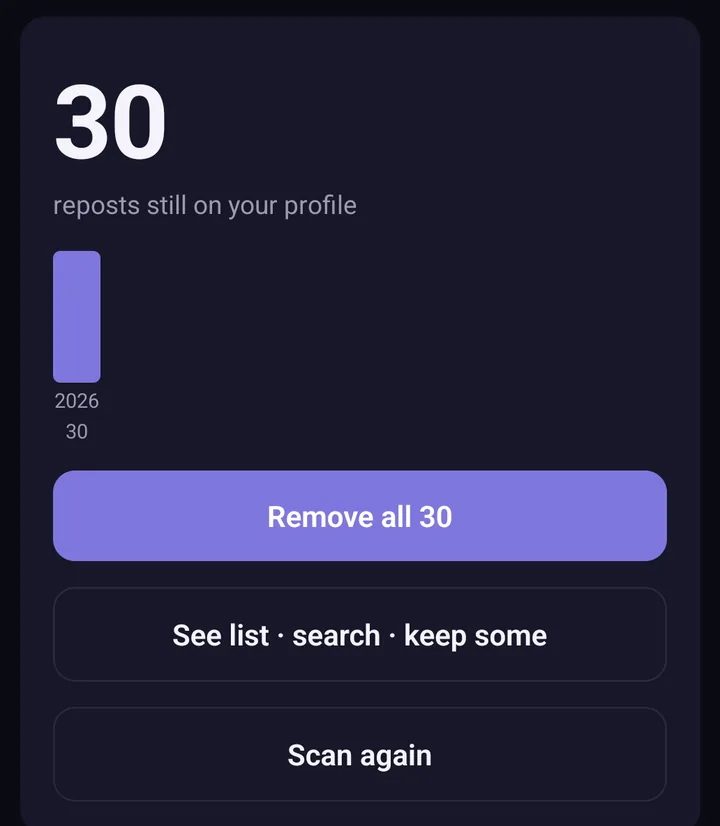
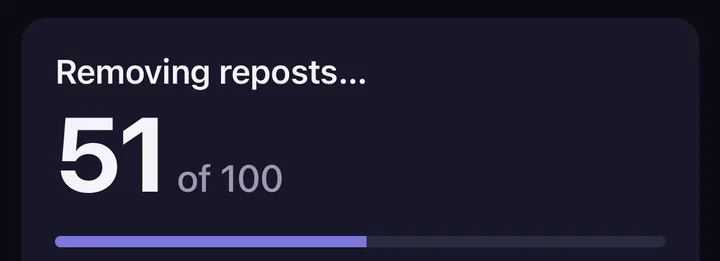
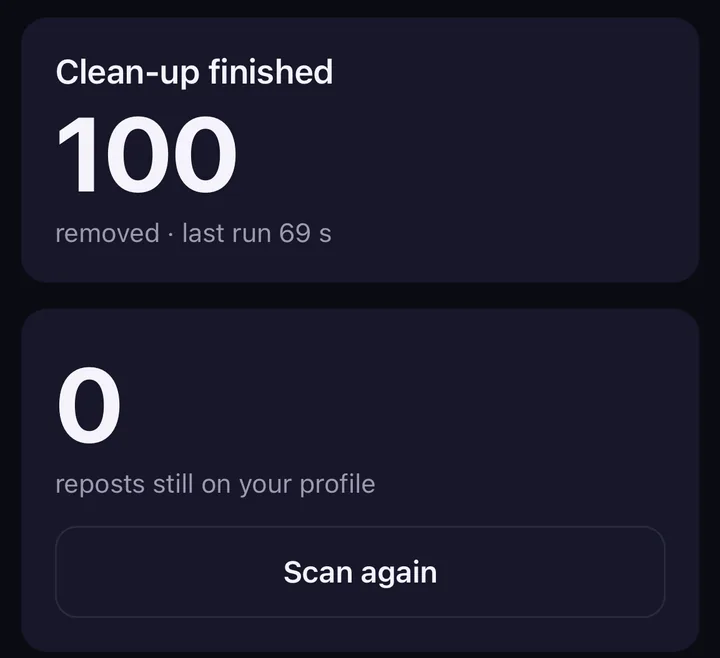
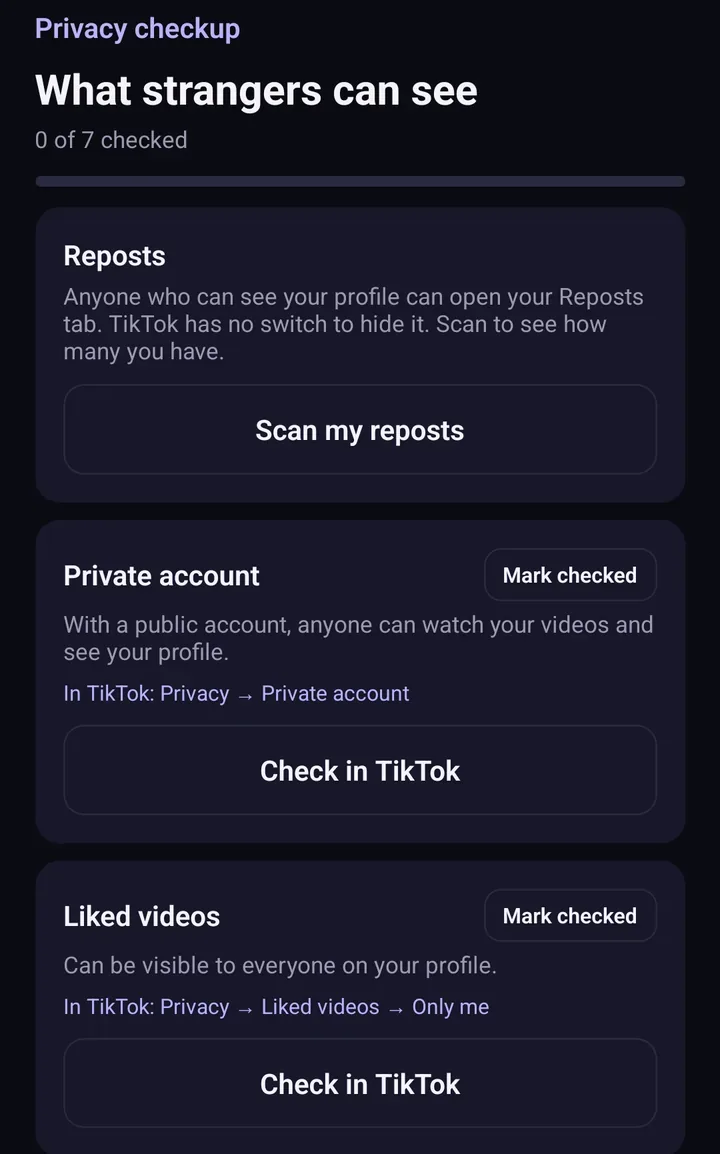
Screens from the test version of the Freshslate app. The final app may look slightly different.
Your lists stay on your phone. Freshslate has no servers that receive your TikTok data. Read the privacy policy.
Prefer to do it by hand?
You can remove reposts one at a time in TikTok: open the video, tap the Share arrow, then Delete repost (or press and hold the video and tap Remove repost). Our guide shows every step: how to delete a repost on TikTok. If you have dozens or hundreds, see how to delete all reposts at once.
Do this on your own profile
Freshslate is coming soon to iPhone and Android. You'll sign in on TikTok's own page, scan your reposts and clean them up just like this.
- Remove every repost in one go, and lock the ones you want to keep
- Unlike videos and clear your favorites in bulk
- Find any video you watched in your TikTok data download
- You sign in on TikTok's own page. Your password and data stay with you