 Freshslate
Delete all your TikTok reposts at once
Freshslate removes every repost on your profile in minutes instead of one by one. It can unlike videos and clear your favorites too, and you lock the ones you want to keep.
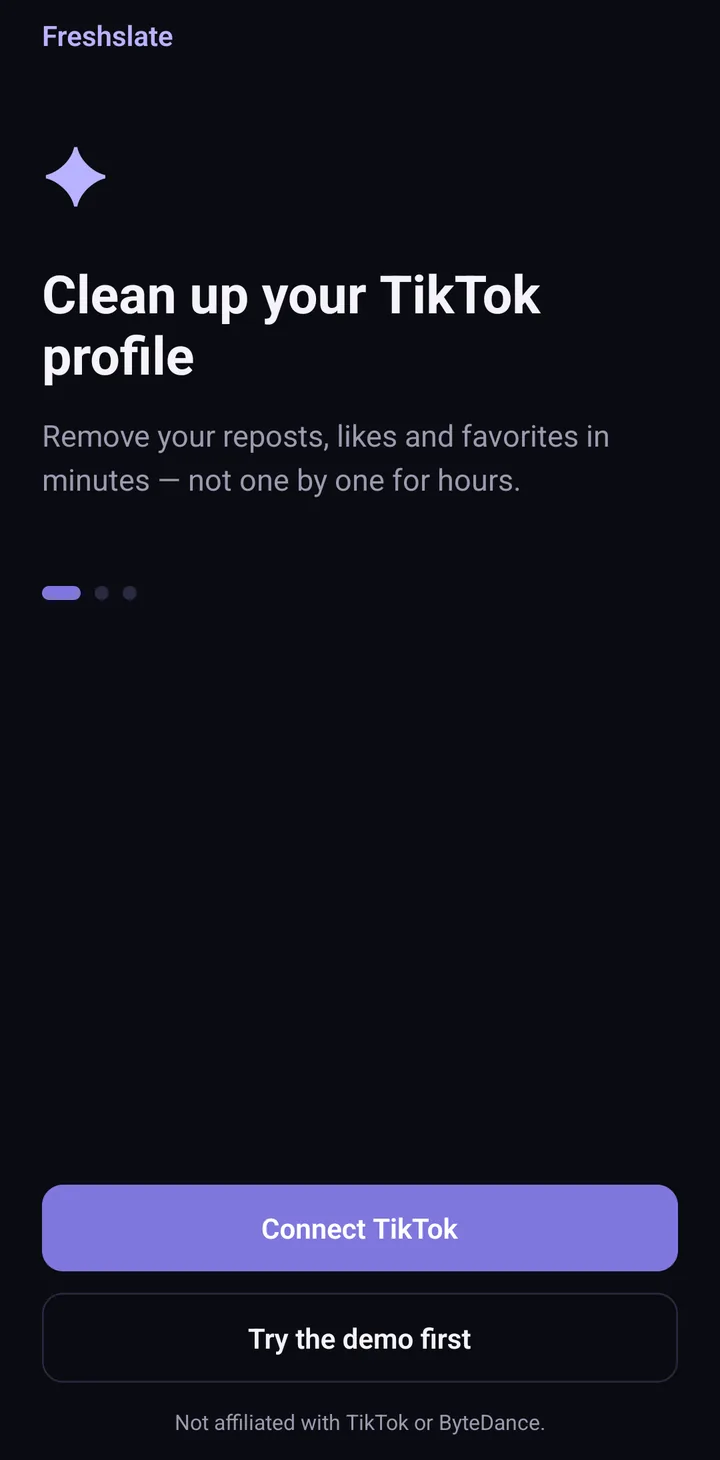
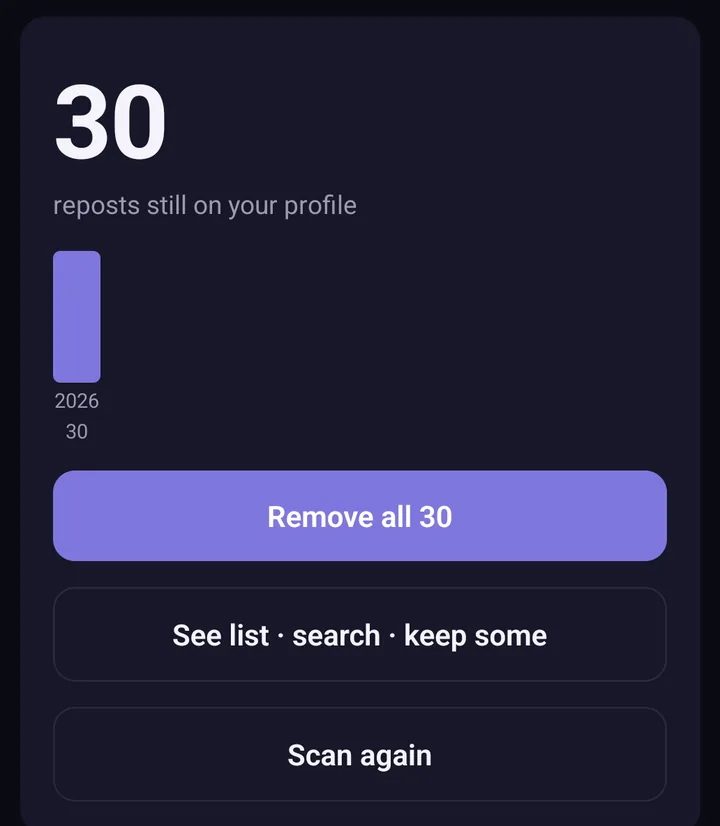
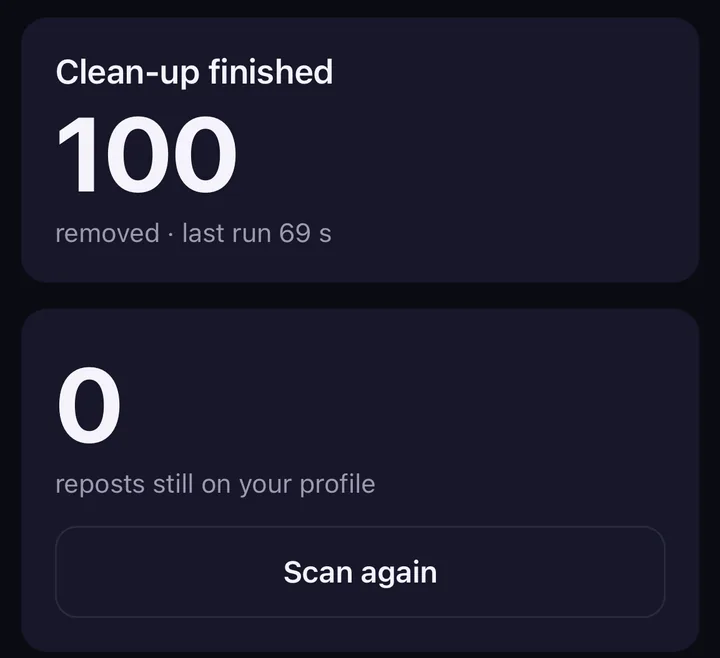
Screens from the test version of the Freshslate app. The final app may look slightly different.
Your password stays with TikTok
You sign in on TikTok's own page inside the app. Freshslate never sees your password.
Your data stays on your phone
No Freshslate servers. Your lists and history are kept on your device only.
Keep the ones you love
Search, sort and lock videos so they are never removed.
Find a video you watched
Open TikTok's own data download and search your watch history, likes and searches.
Free tools that run in your browser
Open the file TikTok gives you when you download your data. It is read on your device only and never uploaded.
Watch history viewer
Every video you watched, day by day, plus likes, favorites and searches.
Open the viewer →Your TikTok year
How many videos you watch a day, your busiest day, the hours you scroll and your top searches.
See your stats →My comments finder
Every comment you wrote on other people's videos, with a link to each one.
Find my comments →How to delete a repost on TikTok by hand
Open the video you reposted, tap the Share arrow, then tap Delete repost. You can also press and hold the video and tap Remove repost. TikTok has no button to remove all reposts at once. That is what Freshslate does for you. Read the full guide.
Popular guides
- How to delete all reposts on TikTok at onceWhy TikTok has no "remove all" button, and what to do instead.
- Where did my TikTok watch history go?Where to find it, why it may be missing and how to see older videos.
- Can people see my reposts, likes and favorites?Who sees what on your profile, and how to hide each one.
- How to download your TikTok dataWhich format to pick, which boxes to tick and how long it takes.
Get Freshslate when it launches
Freshslate is in final testing. It will be on the App Store and Google Play soon.
- Remove every repost in one go, and lock the ones you want to keep
- Unlike videos and clear your favorites in bulk
- Find any video you watched in your TikTok data download
- You sign in on TikTok's own page. Your password and data stay with you